Introduction to myGenie
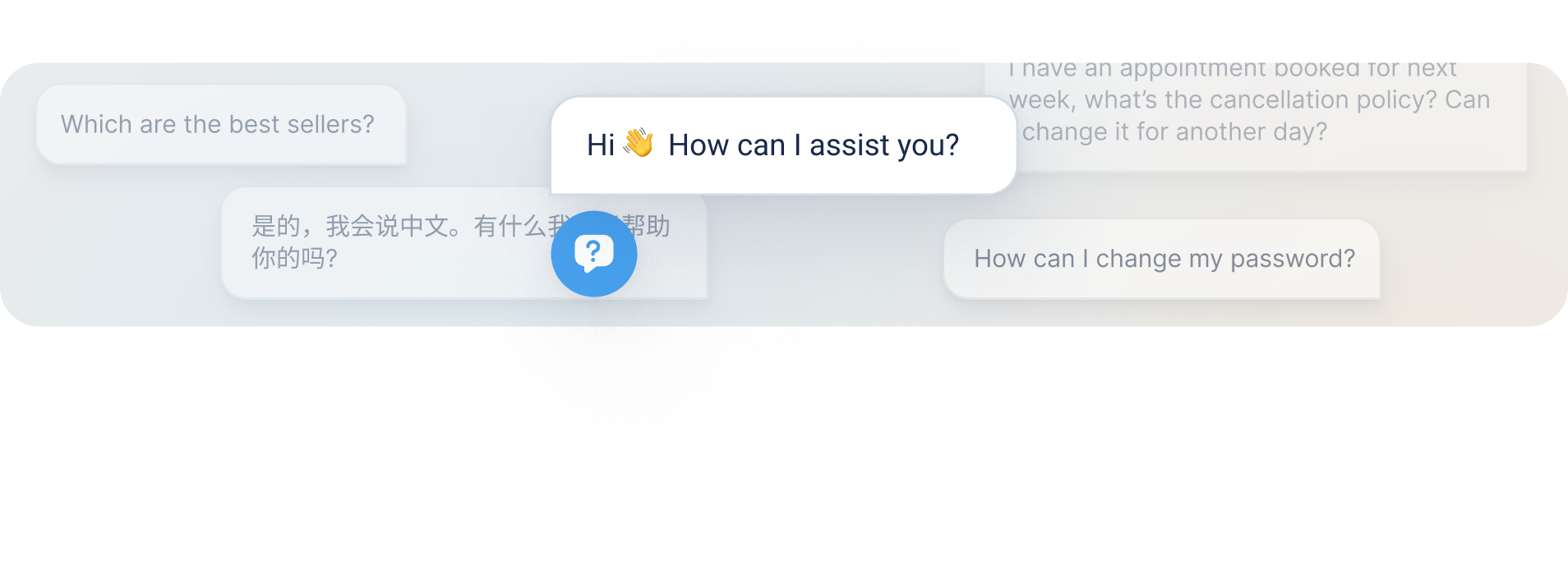
myGenie is an AI-powered Assistant for your company's website, trained to handle questions and interactions effectively.
Similar to a customer service agent or an assistant at work, but powered by AI.
Imagine having an AI assistant that knows all your company’s information and helps with daily tasks, like answering questions from clients or helping onboard new employees. With myReach, you can create custom Genies to help your team and your clients find the answers they need.
- Comprehensive knowledge: It knows all about your company.
- Customer understanding: It understands questions from your customers and leads.
- Instant accuracy: It provides instant, accurate, human-like answers with sources and in-text references.
Essentially, myGenie enables your company to seamlessly integrate powerful AI-driven chat capabilities into your company, making it an invaluable tool for engaging leads, improving customer communication and facilitating data and insights management.
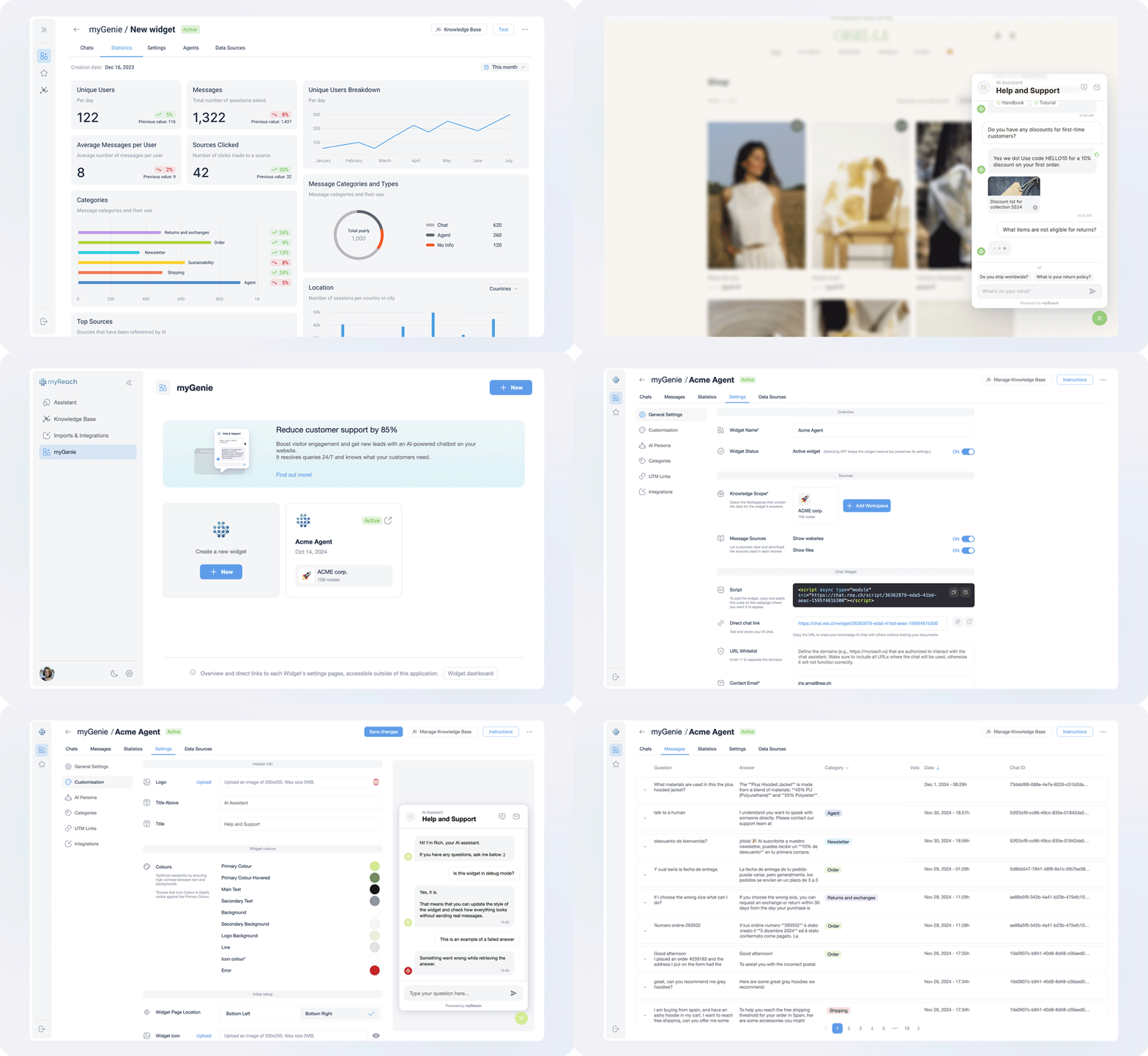
Click here to find out more about the different sections of the Genie dashboard, including the settings page where you can customise your Genie, the Statistics page to track the performance, and more.
Chat Interface
The Genie features a clean, professional chat interface designed to deliver a seamless experience for your end-users. The layout moves away from traditional text bubbles in favour of a structured, document-style presentation, making it ideal for both customer-facing and internal use cases.
Key elements of the chat interface include:
-
Initial Greeting: A customisable landing screen that sets the stage before the conversation begins, allowing you to welcome users with your brand's tone and personality.
-
Recommended Questions: After every response, the Genie proactively suggests 3 context-aware follow-up questions, helping users discover deeper layers of information and guiding them through your knowledge base.
-
Sources & In-Text References: Every response includes clear citations and clickable in-text references that link directly back to the original source documents, ensuring full transparency and accuracy.
-
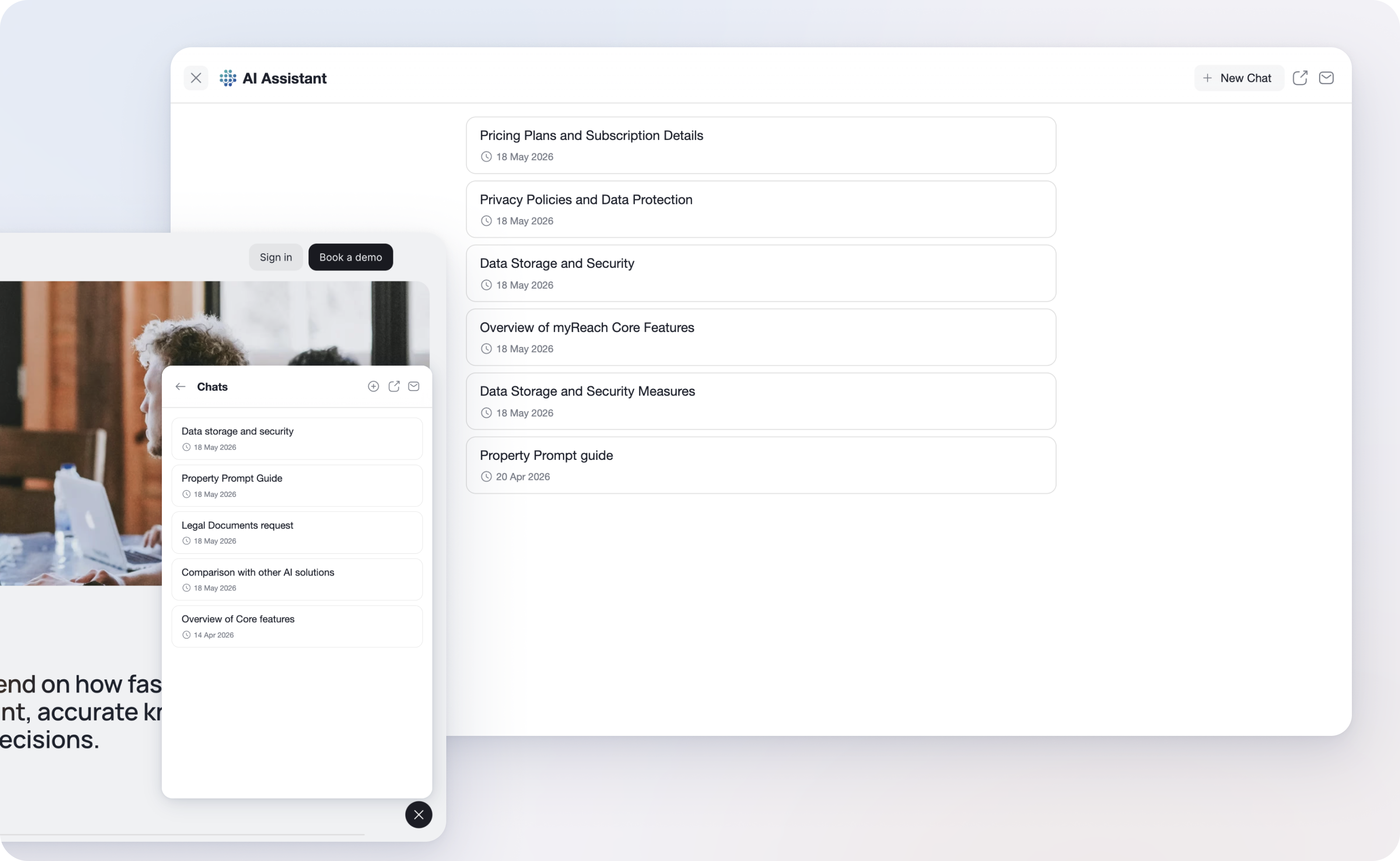
Multiple Chat Sessions: Store multiple chat sessions within the same Genie, without losing context or history between conversations. Each chat thread remains independent, organised and fully tracked, making it particularly valuable for businesses managing multiple clients, departments or use cases through a single Genie. Everything is streamlined in one place, with no need to switch between setups or lose track of parallel conversations.
To keep things clutter-free in the section where you have all your Genies, you can turn on/off a toggle that allows you to hide all the inactive Genies or those you’ve temporarily deactivated. This allows you to focus only on your active, high-priority assistants. You can find the “Show Inactive” toggle on the top right of the initial Genies page.